Both get your timer’s results onto the laptop that runs the race — they just take a different path to get there. Here’s how to pick the connection that fits your room.
What the connection actually does
However it’s wired, the timer’s job is the same: measure each car’s finish and hand those numbers to the race software on your laptop. “Wireless vs. USB” is simply how that handoff travels from the finish line back to your scoring table.
USB: the simple wired link
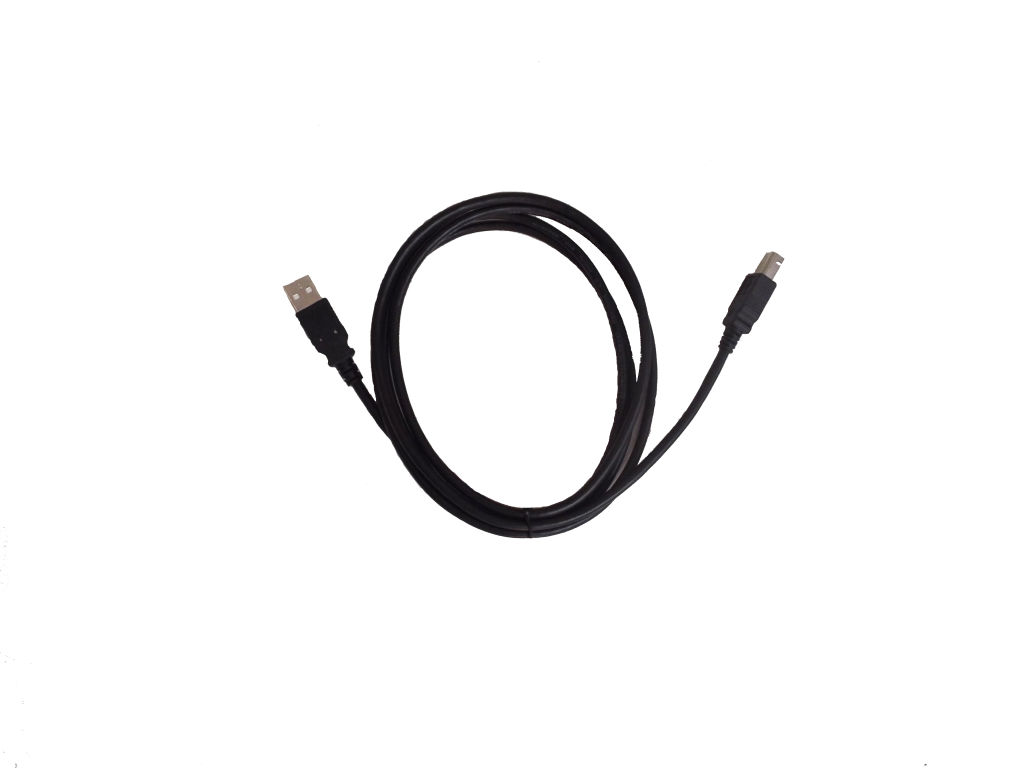
Pros: rock-solid and foolproof — plug the cable into the laptop and you’re connected, with no pairing, no batteries, and nothing to lose signal. It’s the no-surprises choice, especially when your scoring laptop sits near the finish line.
Cons: you have to run a cable from the finish line to wherever the laptop is. In a big room with the scoring table across the gym, that can mean a long cable to route and tape down safely.
Wireless: no cable to run
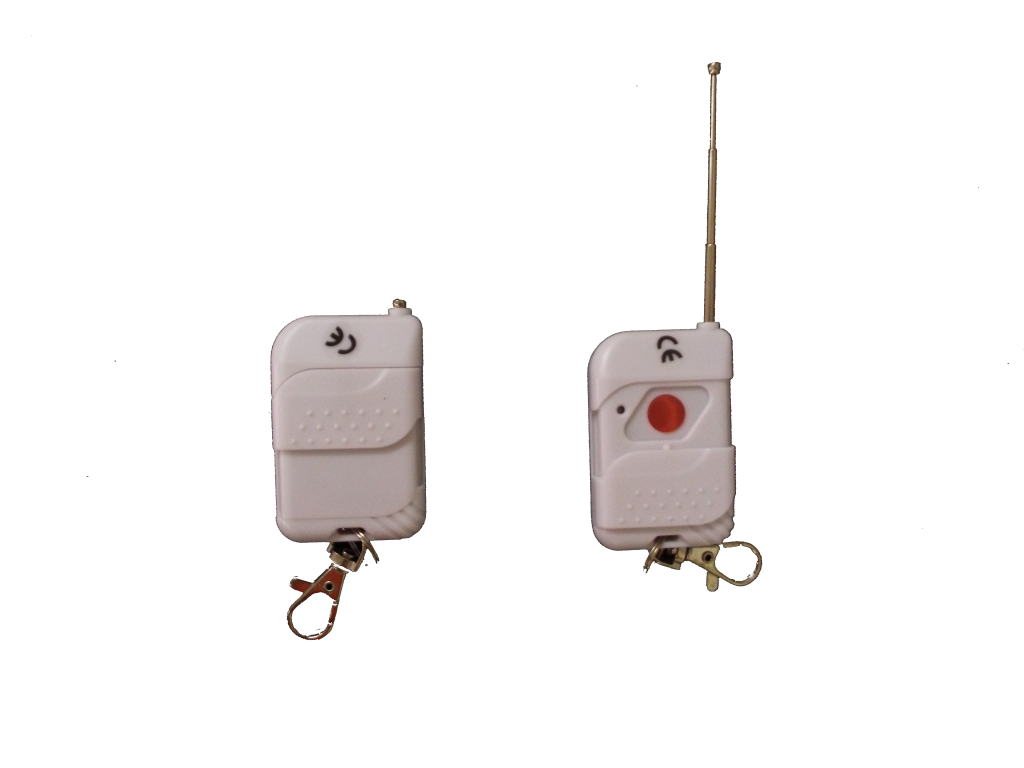
Pros: frees your scoring table from the finish line — set up wherever it’s convenient for the crowd and volunteers, with no cable snaking down the track for people to trip over.
Cons: one more thing to set up and keep powered, and like any wireless link it should be tested in your venue beforehand so you’re confident it’s solid on race day.
Which should you choose?
| Your situation | Better fit |
|---|---|
| Laptop sits right by the finish line | USB — simplest and most reliable |
| Scoring table across a big gym | Wireless — skip the long cable run |
| You want a no-surprises backup | Have both and switch if needed |
The honest answer for most groups: it’s nice not to have to choose. If your timer supports both, you can use USB as your dependable default and wireless when the room calls for it.
Derby Magic timers do both
Our tracks and timers offer both wireless and USB connectivity, so you’re never locked into one. Set up whichever suits your venue that day — and because the timer, track, and software all come from us, there’s nothing to make compatible. See the timer buying guide for the full lineup.
Frequently Asked Questions
What’s the difference between a wireless and a USB timer?
Both send the timer’s results to a laptop running race software. USB uses a cable from the finish line to the laptop — simple and reliable. Wireless sends the results over the air, so there’s no long cable to run from the finish back to your scoring table.
Is wireless or USB better?
Neither overall — it depends on your setup. USB is foolproof when the laptop sits near the finish line; wireless is handy when your scoring table is across the room. Having both is ideal.
Do Derby Magic timers support both?
Yes. Derby Magic tracks and timers offer both wireless and USB connectivity, so you can run whichever fits your room and table placement on race day.