Running your first derby feels daunting, but the race itself is the easy part — a good track, timer, and software do the heavy lifting. Here’s everything that goes into a smooth, fair race day, start to finish.
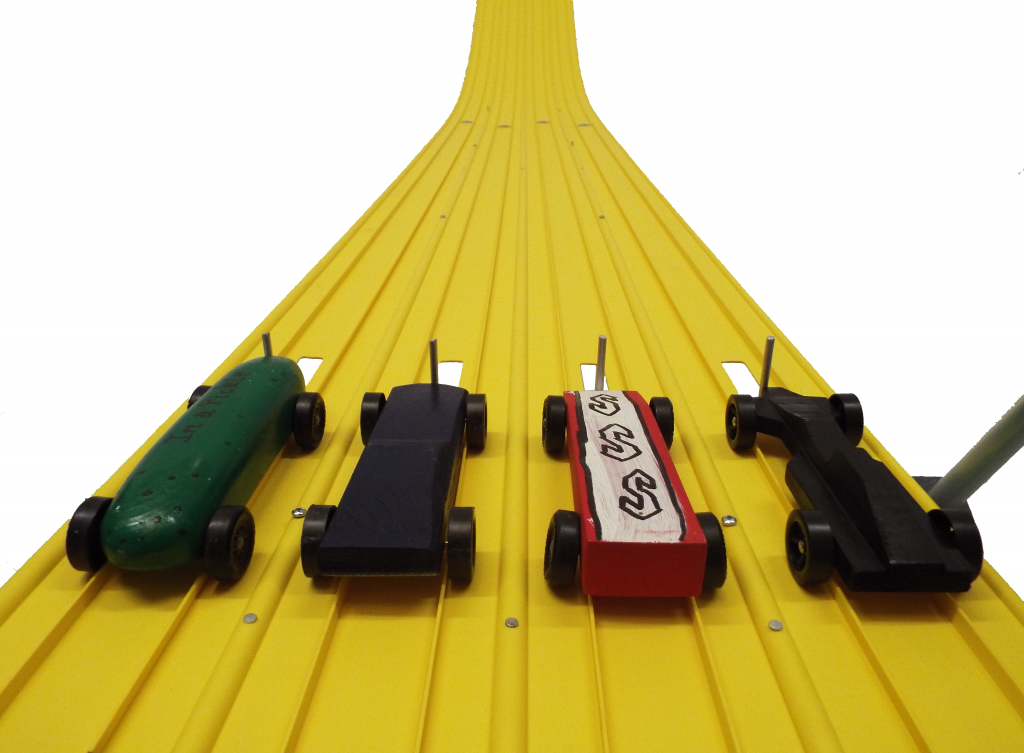
Start here: a six-week timeline
- 6 weeks out: lock the date and venue, hand out car kits, and publish your rules (weight limit, dimensions, what’s allowed). The official Scouting America pinewood derby rules are a good baseline.
- 3–4 weeks out: recruit volunteers, plan your classes and awards, and promote the event to families.
- 1–2 weeks out: open registration, and test your equipment — set up the track, run a few cars through the timer, and confirm the software talks to it. Never let race morning be the first time you plug everything in.
- Race day: set up early, run weigh-in, race, and hand out awards. (Grab our printable race-day checklist.)
Registration and car kits
Hand out identical car kits well ahead of time so every racer starts from the same block, and collect registrations in the week before the race so you can pre-build your schedule. Assign each car a number at check-in — it’s how the timer and software will track it all day.
Weigh-in and inspection
Set up a tech table with a reliable scale. Most leagues cap cars at the standard 5 ounces and set limits on length, width, and wheelbase — check your rules and publish them in advance so there are no race-morning surprises. Have a little graphite, a few spare weights, and tape on hand so kids can make small fixes and still race.
Set up the track
Give yourself unhurried time to set up — the first time always takes longest. Level the track, seat every section, and run a few test cars before the crowd arrives. Our step-by-step track setup guide walks through it.
Scheduling: heats and brackets
This is where fairness is won or lost. The gold standard is a full rotation: every car races once in every lane. That cancels out any tiny lane-to-lane differences, so no child wins or loses because of the lane they drew — results come down to the car. Building that schedule by hand is a nightmare; race software does it in seconds and keeps everyone’s running totals automatically.
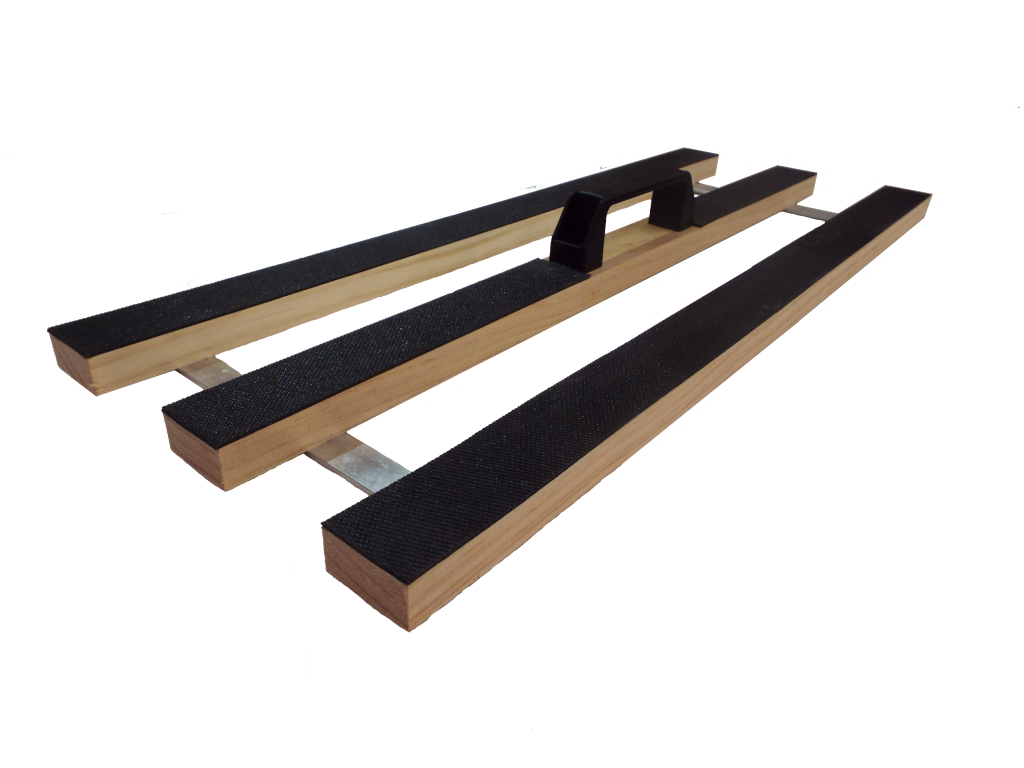
Timing: fast, fair results
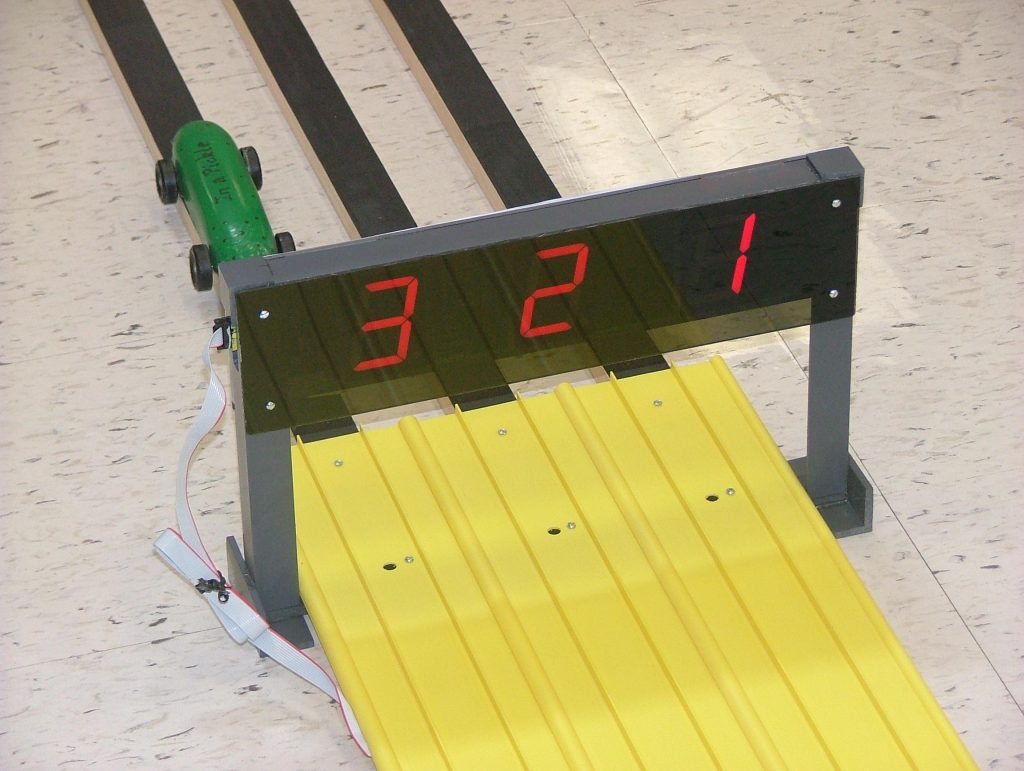
Pair the schedule with an electronic timer and you’ve removed the two biggest sources of race-day drama — slow scoring and disputed finishes. Each heat’s order and times post the instant the cars cross, so you can call results immediately and move to the next heat.
Running the race
Keep a simple rhythm: a staging volunteer loads the next cars while the current heat runs, a starter releases the gate, and a retriever returns cars to their owners. Announce each heat’s results, let the software queue the next, and you’ll move through a big field faster than you’d think. Keep the line of upcoming racers visible so kids know when they’re up.
Classes and awards
Race by rank or den, and add open classes for siblings and adults so the whole family can take a turn. Then go beyond speed: design awards — best paint, most creative, most realistic, judges’ favorite — mean every child can win something, which is what keeps younger racers smiling even if their car isn’t the fastest.
Common problems, quick fixes
- A car keeps jumping the lane guide: usually a bent axle or a wheel rubbing — have tools at the tech table for quick fixes.
- A lane looks slow: if you’re rotating every car through every lane, it evens out; if you’re not, switch to a rotation format.
- Late registrations: most race software lets you add a racer mid-event and reschedule on the fly.
- Ties: an electronic timer to the thousandth of a second makes real ties almost impossible.
Scaling up to a big event
Hosting a multi-pack or district race? The fundamentals are the same — you just need more lanes to keep the field moving, more volunteers at the start and finish, and a bit more space. A 6- or 8-lane track and race software are what make a large event feel as smooth as a small one.
Frequently Asked Questions
How far ahead should you plan a pinewood derby?
Start about six weeks out: set the date and venue, hand out car kits, and publish your rules. The last two weeks are for registration, confirming volunteers, and testing your track, timer, and software.
How long does a pinewood derby race take?
It depends on your field and lane count, but most pack-sized races run two to three hours including setup, racing, and awards. More lanes and race software keep a big field moving.
How do you make a pinewood derby race fair?
An electronic timer so finishes are decided to the thousandth of a second, plus a schedule that rotates every car through every lane so no one wins or loses because of their lane. Race software does the scheduling automatically.
What classes and awards should you have?
Race by rank or den, add open classes for siblings and adults, and include design awards (best paint, most creative) so every child can win something.
What do you need to run a pinewood derby?
A track, an electronic timer and finish line, a laptop with race software, a scale for weigh-in, a registration and tech table, awards, and a few volunteers. A track that comes with its own timer and software removes most of the guesswork.